



Magicspins App
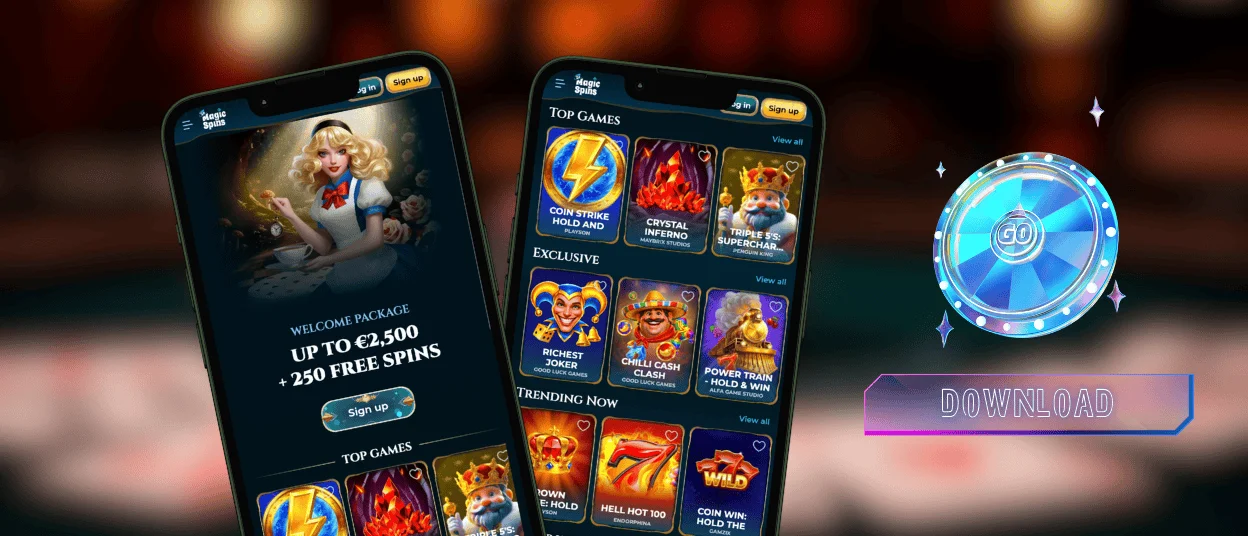
With the Magicspins app, you can have the whole casino on your home screen in less than two minutes. You don’t need an account in the App Store or to download any other files. As a Progressive Web App, it downloads directly from the Magicspins Casino website, keeps itself up to date automatically, and doesn’t take up much space on the device. The app has the same games, prizes, payment options, and customer service as the desktop version.



Using Magic Spins on Mobile
Playing through the Magicspins app rather than a desktop browser changes a few things. It can be much more convenient in some situations, but there are times when using your computer is better.
| Situation | Mobile App | Desktop |
| Quick 10-minute session | One tap from the home screen. Faster than opening a browser | Requires opening a browser and loading the site |
| Extended live casino session | Stream quality holds on Wi-Fi; smaller screen means more zooming on multi-bet layouts | Full screen shows dealer, cards and all betting options |
| Catching a bonus before it expires | Push notifications alert you while the offer is still live | You find out after checking in manually |
| Managing deposits and payment details | Works fully, though typing long card numbers on a small keyboard is less comfortable | Full keyboard makes entering payment details faster and less error-prone |
| Completing the verification process | Capture, review and submit documents from one device | Requires taking photos on a phone and transferring them to the computer |
| Playing online slots | Touch controls feel natural; portrait and landscape work well | Mouse precision suits complex bonus selection interfaces |
Once the Magic Spins app is loaded, we recommend you turn on push notifications. Tournament openings and limited-time bonus drops come through to the lock screen the moment they go live.
Magicspins Casino App for Android
You can only get our casino on an Android device through the browser. You don’t need to get the Magicspins APK from a third-party site or change the device’s security settings. When you get APK files from outside sources, you run the real risk of getting malware or having your data stolen. All of that doesn’t happen with the PWA format because it uses the browser’s built-in protection system.
Installation through Chrome takes about a minute:
- In the top right corner of the Magicspins Casino website, tap the three dots that look like a menu.
- Choose “Add to Home Screen” from the list.
- If you want to change the name, do it, and then just tap “Add” to confirm.
When you see the Magicspins app icon on your home screen, the game is ready to go. The mobile casino doesn’t take long to load. It uses cached data between sessions to speed up loading, and it updates itself every time it starts, so you don’t have to do anything to use the most recent version. The support team through the live chat, all the games and payments, your account settings and even enabling responsible tools are available from our app.

Magicspins App for iOS
If you want to put our casino on your iPhone or iPad, you should use Safari. This is because “Add to Home Screen” only works in Safari.
- In Safari, go to the Magicspins Casino website.
- At the bottom of the screen, there is a box with an up arrow. Tap that button.
- Then, choose “Add to Home Screen.”
- When you confirm, the icon shows up right away.
Apple Pay becomes available as a payment option through iOS, which speeds up deposits considerably. Login uses the same credentials as desktop. Magic Spins players who go through the verification process on their phones can submit all of their documents from the same device: open the camera, take pictures of the papers needed, and then upload them directly. You don’t need to move things from your phone to your computer.
Desktop Applications for Windows and macOS
The Magicspins PWA is not limited to phones. When you open the site on Windows or macOS, a small install icon shows up in the address bar. Depending on the browser, it looks like a downward arrow or a screen icon. When you click it and accept the installation, the Magicspins Casino app is set up as a separate desktop app that opens without a browser tab.
Push notifications from the desktop version let you see tournament alerts and promo drops even when the site is closed. Full-screen mode gives live casino sessions the most screen space. The desktop PWA version is much more comfortable for people who spend a lot of time at live blackjack or roulette tables than a phone screen.

FAQ
Is creating an account required to use the Magic Spins app?
Demo mode runs on most slot and instant game titles without an account. Real-money gaming experience, bonus activation, tournament participation and withdrawals require registration. The sign-up process runs identically through the Magicspins app as it does on desktop. We need your email, password and basic personal details. Your account will be active as soon as email confirmation is completed.
Does the Magic Spins Casino app offer customer support?
Live chat is built into the app and connects to the support team directly. For queries involving screenshots or transaction references, email is available from the app as well. The team is reachable around the clock in multiple languages.
How can I update the Magicspins app?
Every time you open the PWA, it gets the most up-to-date version of the platform. This means that new games, updated promotions, and any changes to the interface happen automatically. Magicspins Casino players don’t have to do anything.


